Role guide
Senior Rep — BiogenixMD
Confirms BMD demo vs onboarding type at booking. Lead/CRM views match other rep roles; BMD post-close is handled in the BiogenixMD portal.
- 01
Your BiogenixMD lead view
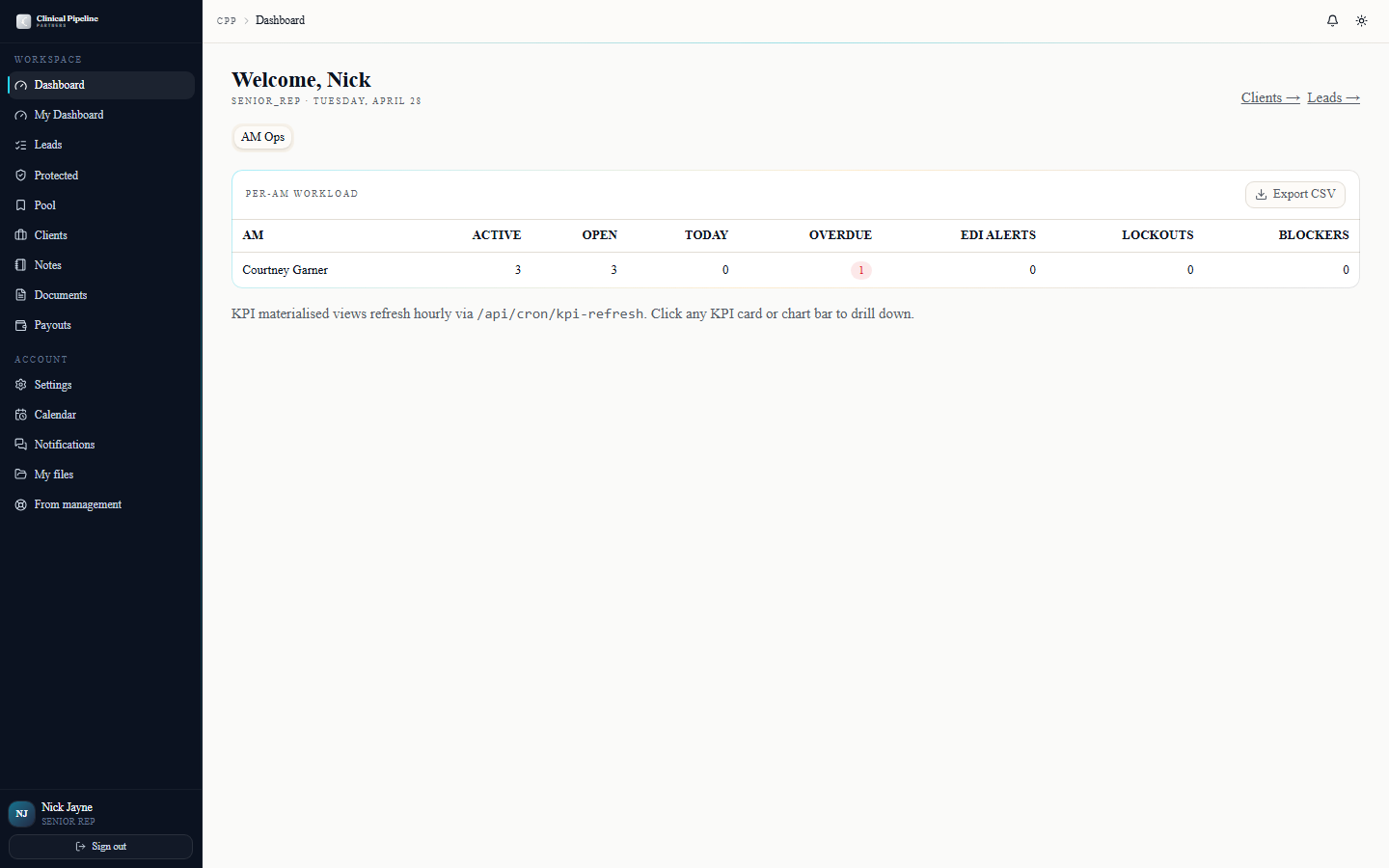
As the BiogenixMD senior rep, your dashboard at /dashboard opens to the BMD pipeline tab.…
As the BiogenixMD senior rep, your dashboard at /dashboard opens to the BMD pipeline tab. CPP only handles the lead/sales tracking for BMD — once a deal closes, all post-close client management happens inside the BiogenixMDportal.com back office, not here.
What you'll see in CPP for BMD:
- Pipeline — every BMD lead any rep has submitted, ranked by stage and recency.
- Demos requested — the queue of leads where the prospect asked for a product demo. Most BMD deals require a live demo before close.
- Contracts in flight — BMD-side contracts being signed.
- Closed-won handoffs — leads transitioning out of CPP and into the BMD portal. After the handoff, status updates here are read-only.
- 02
Confirm BMD demo vs onboarding type at booking
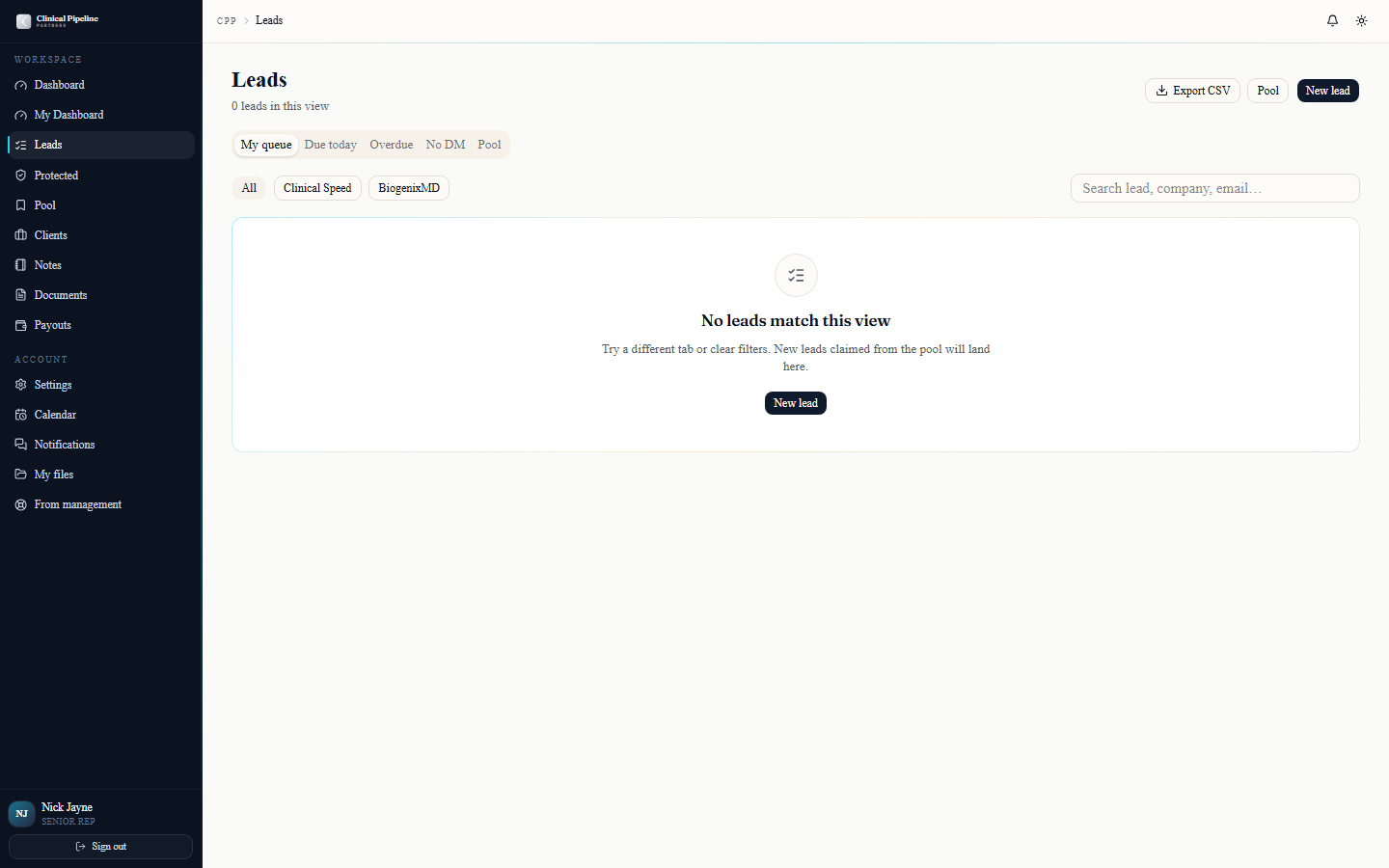
When a rep requests time with you for a BMD lead, the booking flow asks them to pick the meeting type:
When a rep requests time with you for a BMD lead, the booking flow asks them to pick the meeting type:
- Demo — first-touch product walkthrough. 30 minutes. Fires a calendar invite with the demo deck attached and the BMD product overview link.
- Onboarding — for prospects who already saw the demo and are ready to walk the contract + portal-handoff. 45 minutes. Fires the onboarding agenda and the contract preview.
You confirm the type at booking. If a rep picked the wrong meeting type, counter-propose with the right one and a one-line note. The system swaps the agenda + attachments.
After the demo or onboarding, mark the lead's stage forward from the lead folder. The system advances the pipeline view and notifies the owning rep.
- 03
Send a BMD contract run for signing
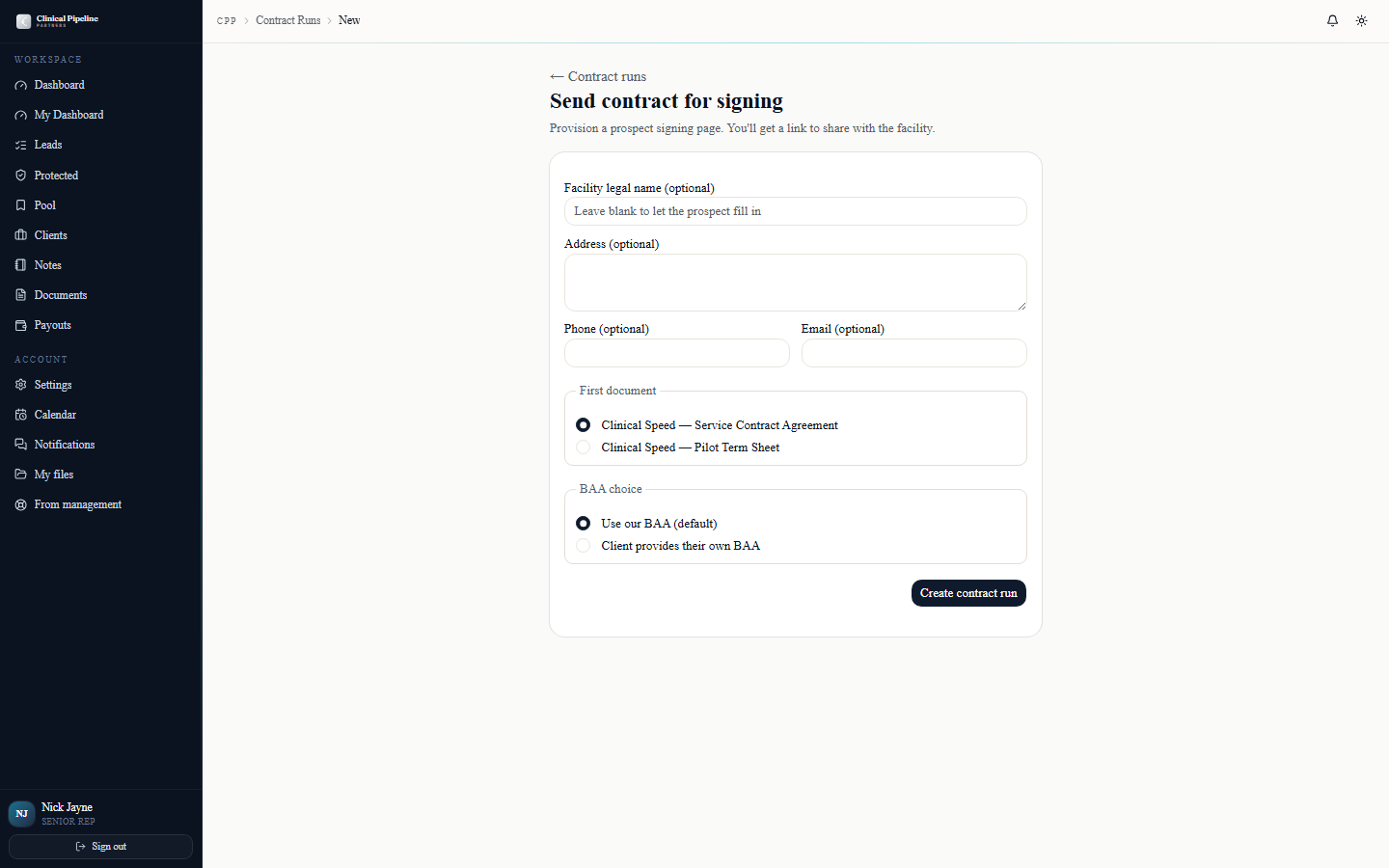
When a BMD prospect is post-demo and ready to paper, open /contract-runs/new. The form is the same one the CS team uses, with BMD-flavoured options surfaced when you pick a BMD-fla…
When a BMD prospect is post-demo and ready to paper, open /contract-runs/new. The form is the same one the CS team uses, with BMD-flavoured options surfaced when you pick a BMD-flagged lead.
Fill in:
- First doc — Service or Pilot. BMD typically uses Service.
- BAA choice — ours, theirs, or both. Some clinical groups bring their own template; you can stack both.
- Facility info — pre-fill anything you already have (legal name, NPI, billing contact). The prospect confirms or fills the rest on their side.
- Authorization of Representation — auto-included. Courtney countersigns.
Click Send for signing and the system mints the prospect URL at
/c/{token}, fires the first reminder, and lands you on the contract-run detail page. From there the post-close workflow stays in the BiogenixMD portal — CPP just owns the paper trail. - 04
Walk the BMD prospect through the 3-button signing page
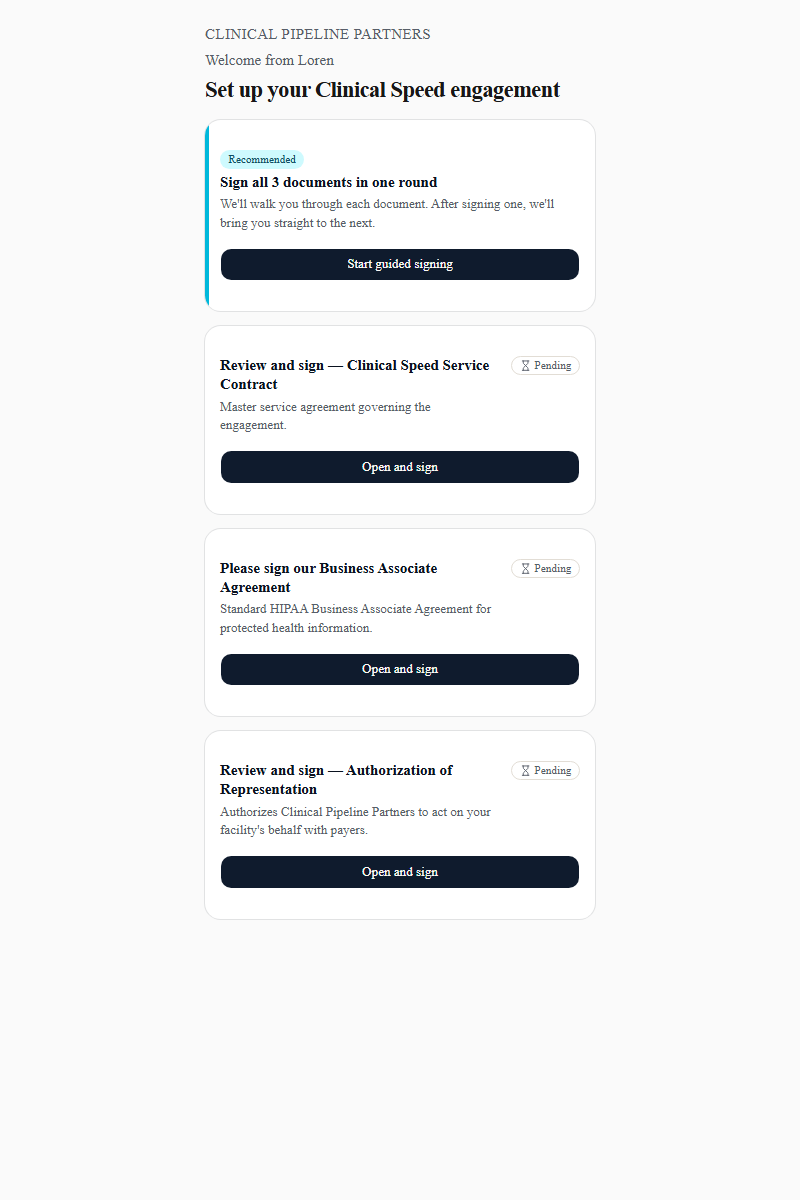
The link on the email opens at /c/{token} — public, JWT-gated. The DM sees three signing tiles: Service or Pilot, the BAA variant you picked, and the Authorization of Representatio…
The link on the email opens at
/c/{token}— public, JWT-gated. The DM sees three signing tiles: Service or Pilot, the BAA variant you picked, and the Authorization of Representation. They sign each in its own session; the e-sign engine applies the countersignature automatically when both sides finalize.If the DM wants to power through, they can pick Sign all in one round — every required signing-session walks sequentially, and a 5-second auto-advance return banner ships them to the next document without a manual click.
Before the documents load, the DM fills the facility info block. Anything you pre-populated is already there. Once all three slots finalize, the run flips to
signed, the senior rep + COO get the "Ready for onboarding scheduling" email, and the BMD post-close handoff continues in the BiogenixMD portal. - 05
Resend, cancel, and re-send RFI from the contract run
![The /contract-runs/[id] detail page for a BMD run with sender controls and the Intake (RFI) tab.](/instructions-img/senior-rep-bmd/05-sender-controls.png)
Once the run is in flight, the back-office detail page at /contract-runs/[id] is your control panel.…
Once the run is in flight, the back-office detail page at
/contract-runs/[id]is your control panel. The right rail shows live signing status and the reminder schedule indicator so you know exactly when the next nag fires.Three controls:
- Resend reminder now — immediate dedupe-bypassing email to anyone who hasn't completed their slot.
- Cancel send — kills the run with a reason (closed list). The prospect URL goes dead immediately.
- Re-send RFI — regenerates the fillable PDF + magic link and ships a fresh email. Useful when scope changes and the COO needs a clean intake.
The Intake (RFI) tab on the same page is where the RFI returns surface — both the digital web form submissions and any "Upload PDF return" the COO drops in. From there the post-close workflow continues in the BiogenixMD portal.
- 06
Pipeline snapshot, notifications, and email preferences
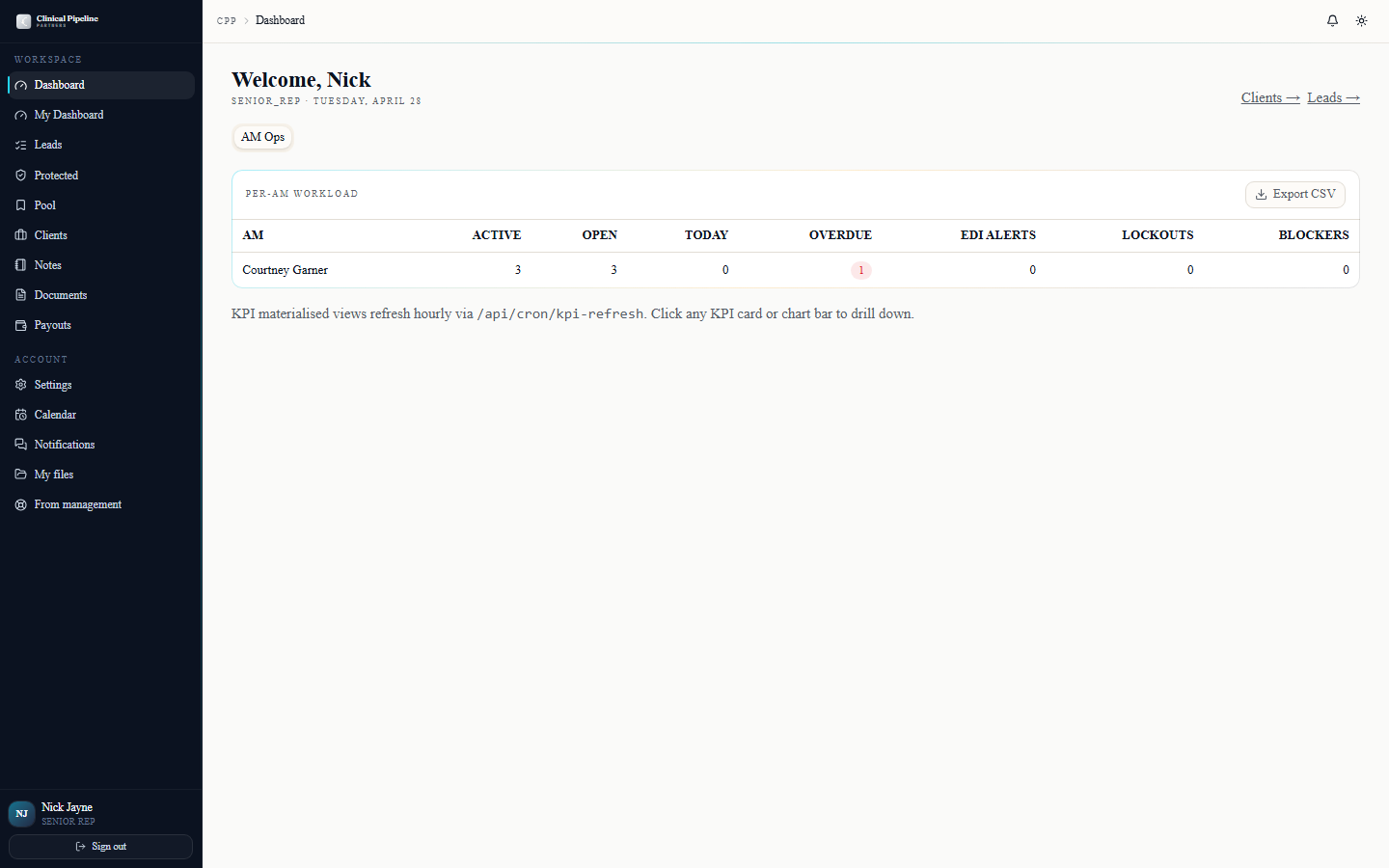
Your /dashboard opens with the rep pipeline snapshot above the BMD lead view — three KPI cards: callbacks-this-week, discovery-next-7d, and deals-closing-30d.…
Your
/dashboardopens with the rep pipeline snapshot above the BMD lead view — three KPI cards: callbacks-this-week, discovery-next-7d, and deals-closing-30d. Click any number to drop into the filtered list; the snapshot refreshes whenever a signing-session, callback, or stage transition fires.The bell icon in the TopBar opens a popover with the last 7 days of role-relevant events: signing-session updates, RFI submissions, contract-run status flips, and bounced reminder emails. The list is role-aware so you only see BMD activity unless you also wear the CS hat.
Open
/settingsto tune the noise. Three tabs: Profile, Email preferences (per-event-type opt-in toggles), and Sessions & security (Sign out everywhereworks today; full session listing is *Coming soon*). - 07
Back-office power tools — bulk actions, quick menu, shortcuts
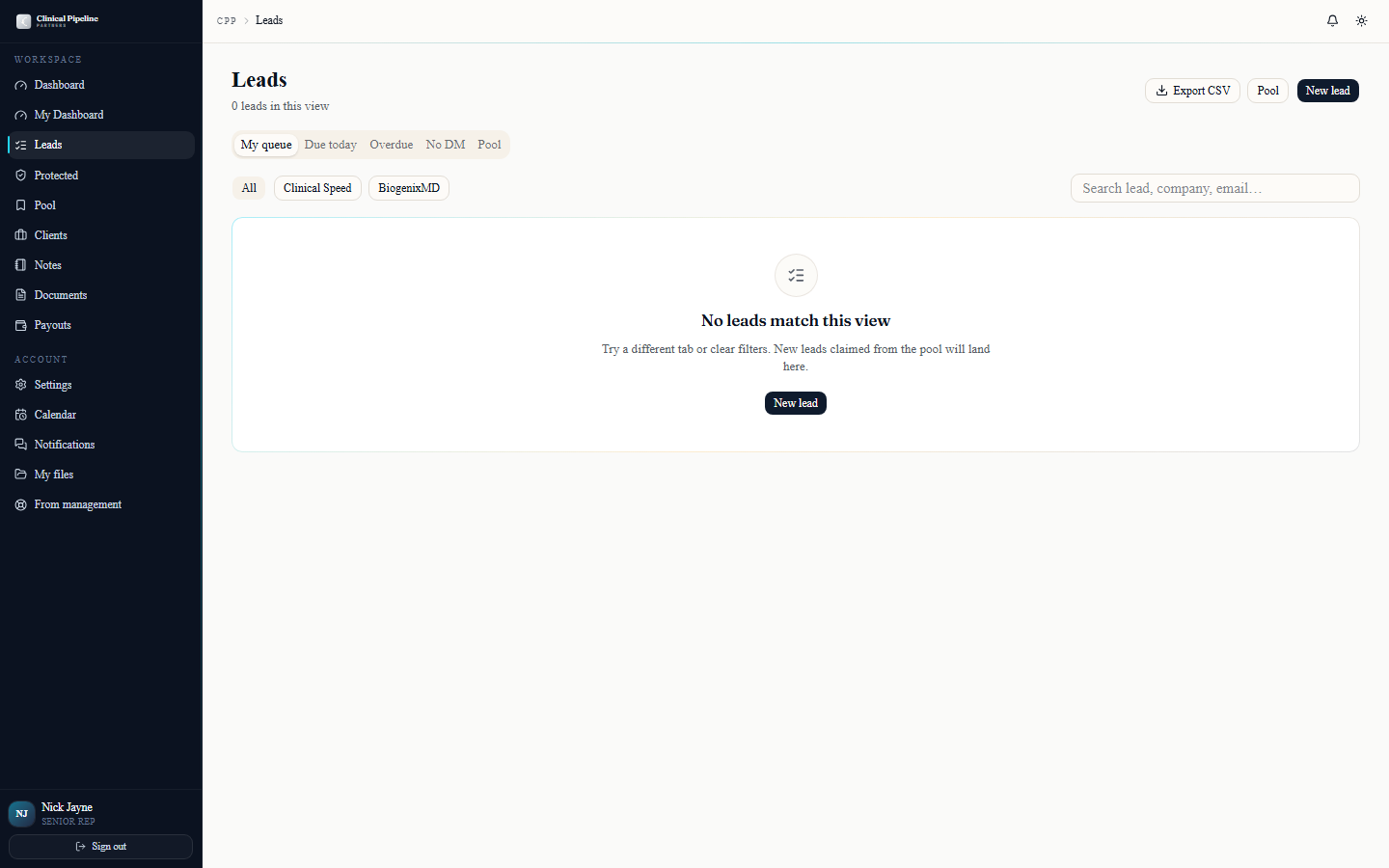
The leads and clients tables ship with bulk multi-select and a per-row three-dot quick-actions menu.…
The leads and clients tables ship with bulk multi-select and a per-row three-dot quick-actions menu. Tick the checkboxes on the leads table and the action bar reveals Reassign to..., Mark not interested, and Add to call queue. The three-dot menu mirrors the most-used single-row actions so you don't have to drill into the folder for routine work.
Adjacent touches you'll lean on:
- Protected leads view at /leads/protected supports
?expiring_soon=1plus an Export CSV button. - CSV export is on the leads index, clients index, and (for any CS-overlap clients) recovery entries.
- Internal notes visibility uses the 3-tier model (
shared_with_subject,senior_management,admin_only). Hover the Who will see this? tooltip when writing a note to confirm the audience before saving. - Press `?` anywhere in the back office to open the keyboard-shortcuts modal.
- Protected leads view at /leads/protected supports


![The /contract-runs/[id] detail page for a BMD run with sender controls and the Intake (RFI) tab.](/instructions-img/senior-rep-bmd/05-sender-controls.webp)

