Role guide
Dev Employee
Enters audit batches, logs verified-835 recovery entries (auto fee snap), tracks the dev queue.
- 01
Enter an audit batch
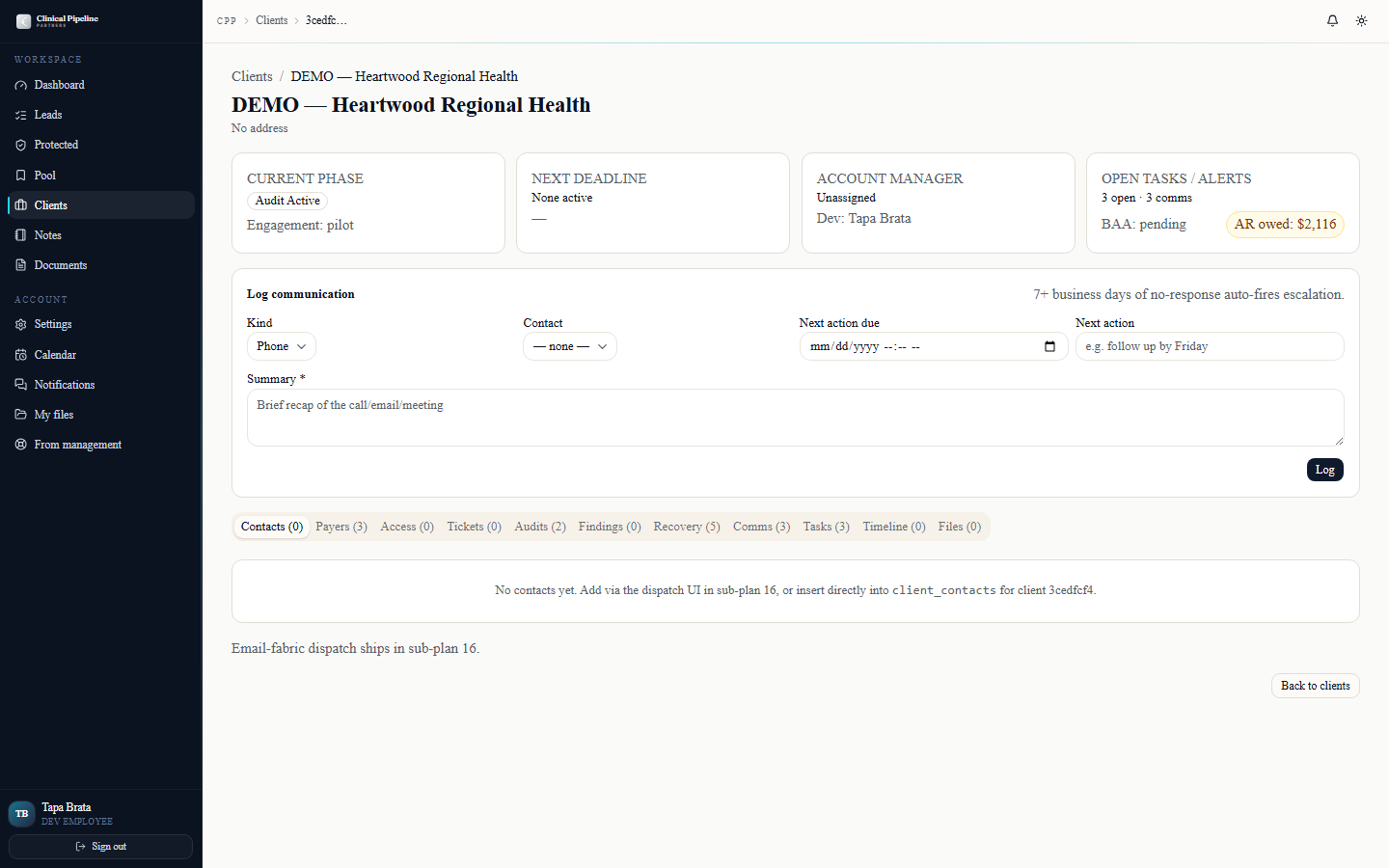
As the dev employee you own the audit data entry flow — converting raw CS audit output into structured auditbatches and downstream recoveryentries in CRM.
As the dev employee you own the audit data entry flow — converting raw CS audit output into structured
audit_batchesand downstreamrecovery_entriesin CRM.From your dashboard at /dashboard the Dev queue tab surfaces every client with an audit cycle in flight. Open any client and go to the Audits tab.
Click New audit batch to log:
- Payer — closed dropdown of the client's payer mix.
- Audit date range — the EOB period the batch covers.
- Sample size — claims audited.
- Findings summary — short narrative (auto-extracted from the audit deck if available).
- Findings file — drag the audit PDF / CSV. Stored in the Documents tab.
- Status — draft, ready-for-review, approved, blocked.
Once you mark a batch approved the system creates a downstream task on Courtney to schedule findings review (Meeting 2) within the 5-business-day SLA.
- 02
Enter a recovery_entry from a verified-835
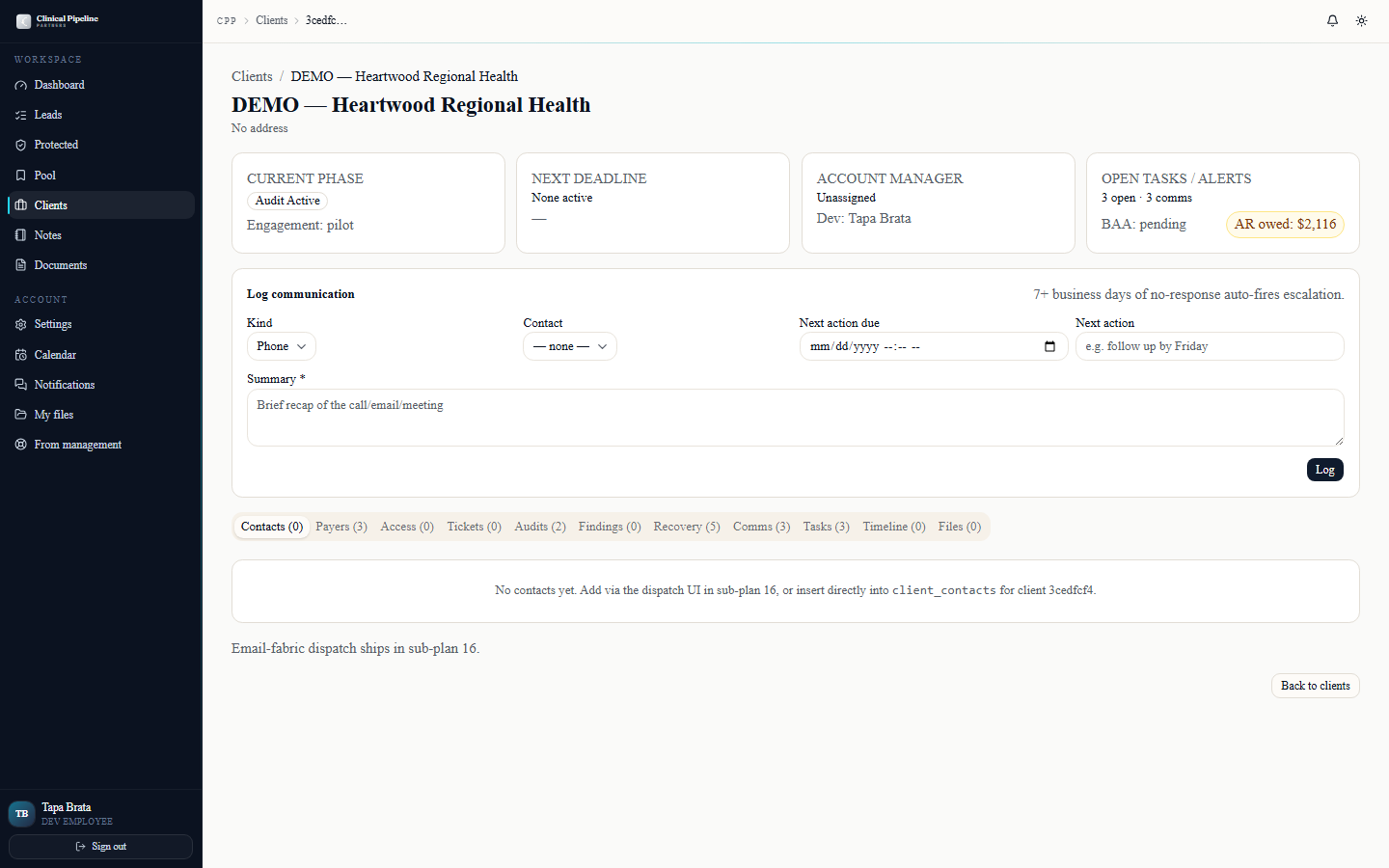
When the payer remits underpayment recovery, you receive a verified-835. Convert it into a recovery_entry from the client's Recovery tab.
When the payer remits underpayment recovery, you receive a verified-835. Convert it into a
recovery_entryfrom the client's Recovery tab.Click New recovery entry. Capture:
- Payer + claim ID(s).
- Recovery date — when the 835 cleared.
- Identified amount — what was originally underpaid (per the audit batch).
- Submitted amount — what we billed for recovery.
- Recovered amount — what actually came back.
- 835 file — the verified-835 itself, attached to the entry.
- Initial vs ongoing — initial = first recovery for this payer-client pair (snaps 30% fee); ongoing = subsequent (snaps 24%); pilot clients always snap 0%.
The system computes the fee on save and locks the entry once it's invoiced. Before invoicing, you can edit; after, file a credit memo.
- 03
Confirm the fee snap and work the dev queue
After saving a recovery_entry, the entry row shows the snapped fee. Confirm:
After saving a recovery_entry, the entry row shows the snapped fee. Confirm:
- Fee = recovered_amount × 0.30 for an initial entry.
- Fee = recovered_amount × 0.24 for an ongoing entry.
- Fee = $0 for a pilot client.
If the snap looks wrong, the entry is almost always misclassified (initial vs ongoing) — fix the classification, the fee re-snaps automatically. If the recovered amount itself is wrong (typo in the 835 transcription), edit the entry; the fee re-snaps with the new number.
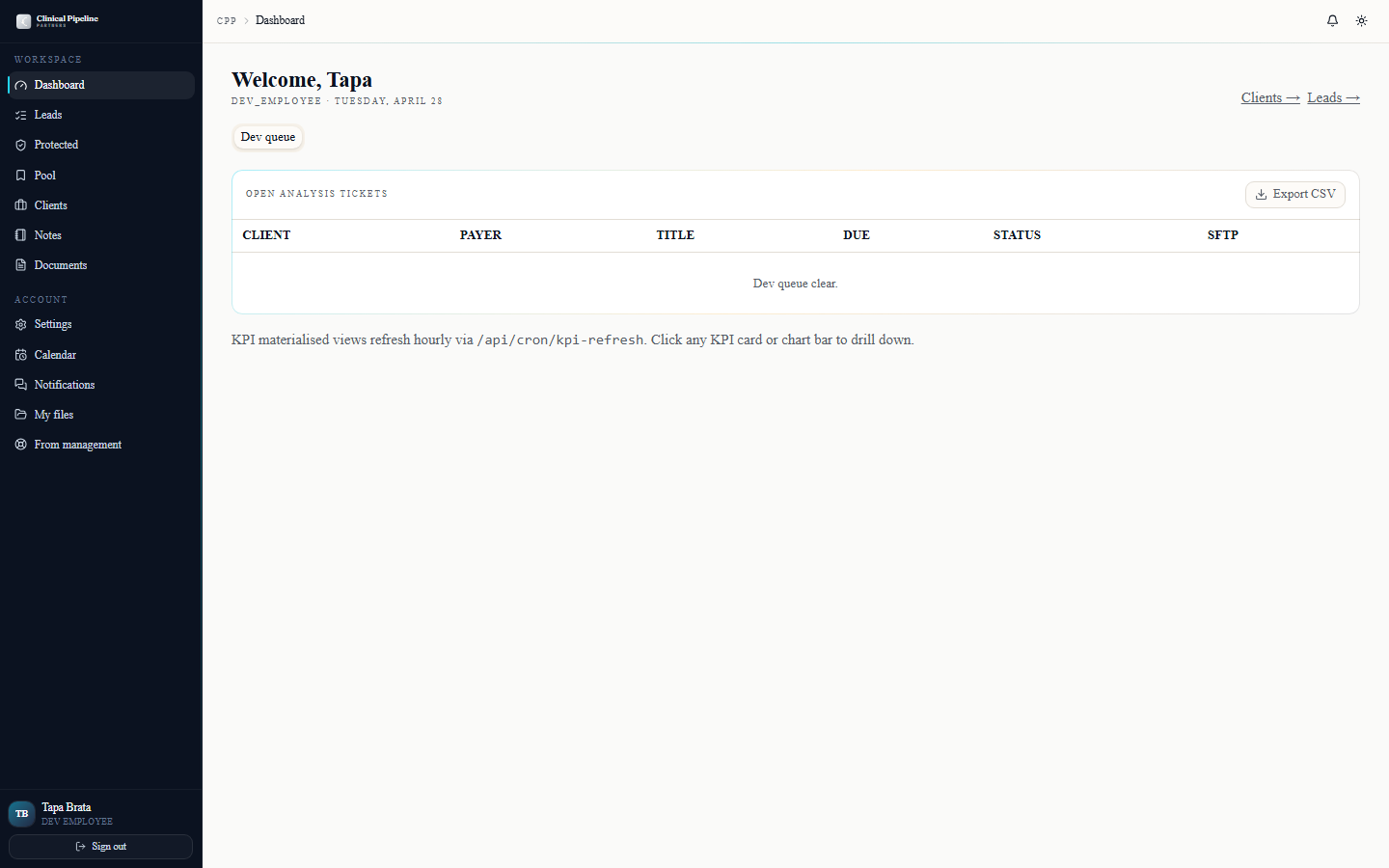
The dev queue dashboard tab is your daily punch-list:
- EDI access pending — clients where SFTP isn't yet provisioned and you're past the 48h SLA from signing.
- Contract analysis tickets — auto-created when a client uploads enough contract material; due 3 business days from creation.
- Coding starts — clients where Tapa needs to kick off coding within 2 business days of validated package.
- Audit starts — clients where the audit needs to start within 5 business days of access validation.
- First findings snapshots — due 10-15 business days after audit start.
- First-year backlogs — due ≤30 business days after audit start.
Each card on the queue shows the SLA clock and the route to the action. Stay above the deadlines and Beto's exec dashboard stays green.
- 04
Notifications, settings, and keyboard shortcuts
The bell icon in the TopBar opens a popover with the last 7 days of dev-relevant events: audit-batch confirmations, recovery-entry status changes, and any system warnings on the qu…
The bell icon in the TopBar opens a popover with the last 7 days of dev-relevant events: audit-batch confirmations, recovery-entry status changes, and any system warnings on the queues you own. The list is role-aware so you don't see the inside-sales chatter.
Open
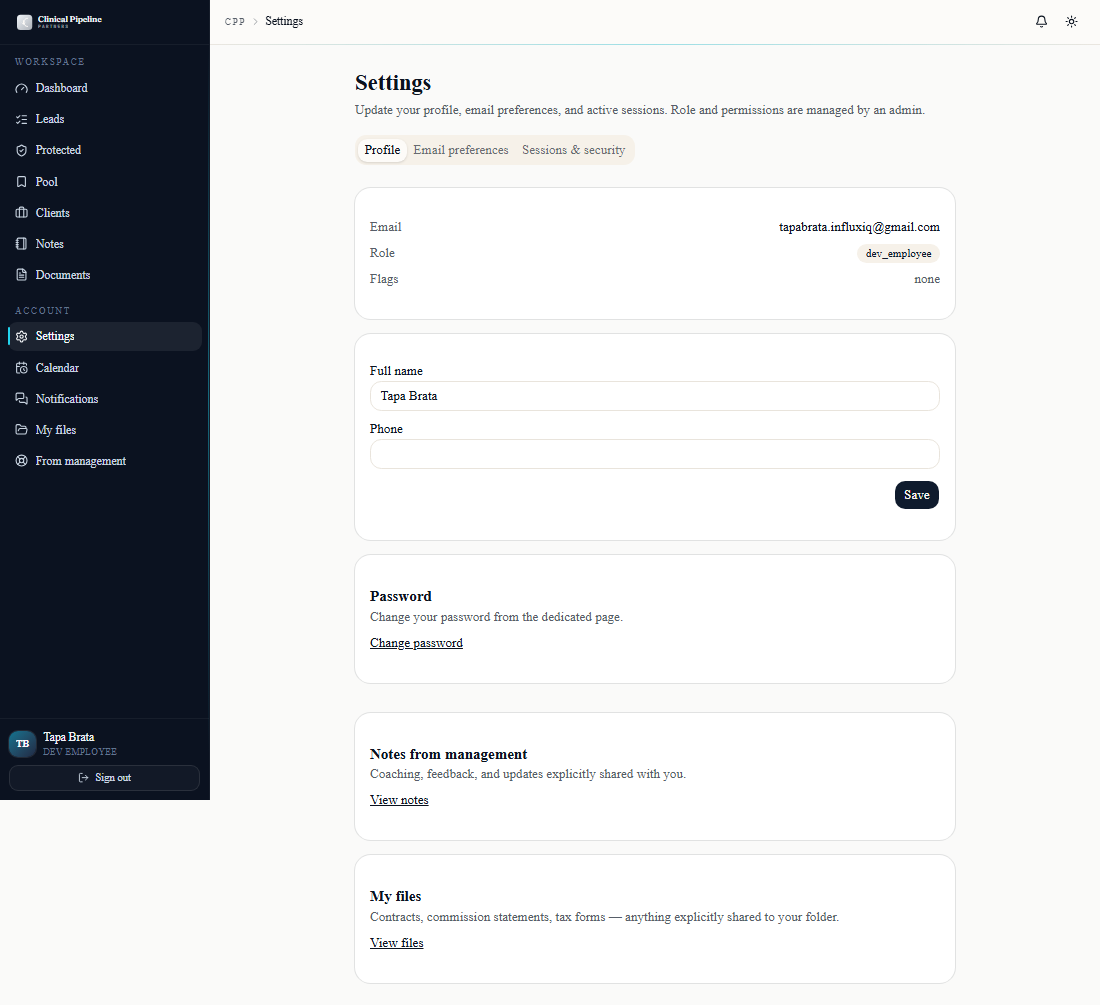
/settingsto set defaults. Three tabs:- Profile — display name, photo, default time zone.
- Email preferences — per-event-type opt-in toggles. Keep the recovery + audit categories on; mute the sales/contracts categories that don't touch your queue.
- Sessions & security —
Sign out everywhereworks today; full session listing is *Coming soon*.
Press `?` anywhere in the back office to open the keyboard-shortcuts modal.
- 05
Export recovery entries to CSV
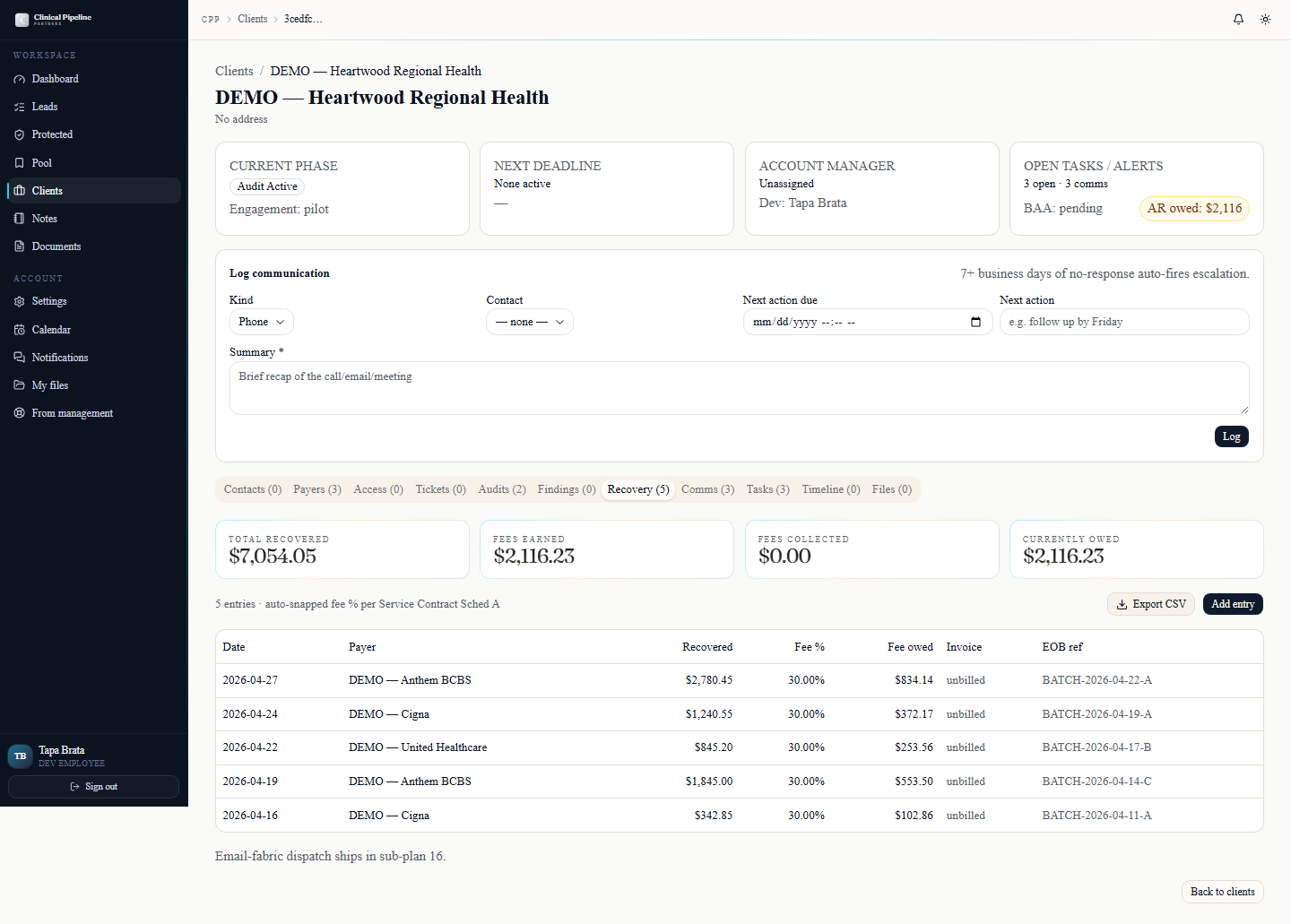
Every client folder's Recovery tab now has an Export CSV button in the header. The export respects whatever filters you have applied (date range, payer, status) and pulls the recov…
Every client folder's Recovery tab now has an Export CSV button in the header. The export respects whatever filters you have applied (date range, payer, status) and pulls the recovery_entry rows in the order you see them on screen.
Columns include:
- Payer — the carrier name on the verified-835.
- Date — service date or ERA date depending on the entry type.
- Identified / submitted / recovered amounts — the three dollar columns.
- Fee snap — 30% / 24% / 0% pilot, immutable once invoiced.
- Status — entered, confirmed, invoiced, paid.
Use this when Beto or Courtney asks for a per-client reconciliation outside the in-app view, or when you need to hand a CSV to an outside accountant. Because the fee snap is immutable post-invoice, the export doubles as proof-of-numbers at month-end.


